Give families a clearer picture.
Offer a place to follow visit status, completed services, caregiver notes, and upcoming appointments. Make everyday communication a tangible part of your service.
Simple to use. Save time.
Give client families a clearer view of the care your agency provides. Bring schedules, visit updates, and team conversations together in one simple experience your agency can offer.
Coming soon · For senior care agencies · Family access planned

Your caregivers bring personal attention to every visit. Give families a way to stay informed about that care, even when they cannot be there.
With New Dawn Connect, your agency can offer visit updates, shared schedules, and care-team communication as part of its service—a practical point of difference to explain when families compare care providers.
Contact us →Explore the value for your agency and follow the setup process on one easy-to-scroll page.
How it works →Give your team a simpler way to communicate and your client families a clearer view of care.
Connecting People.
Supporting Communities.
Making a Difference.
At New Dawn Connect, we believe in giving back to the communities we serve.
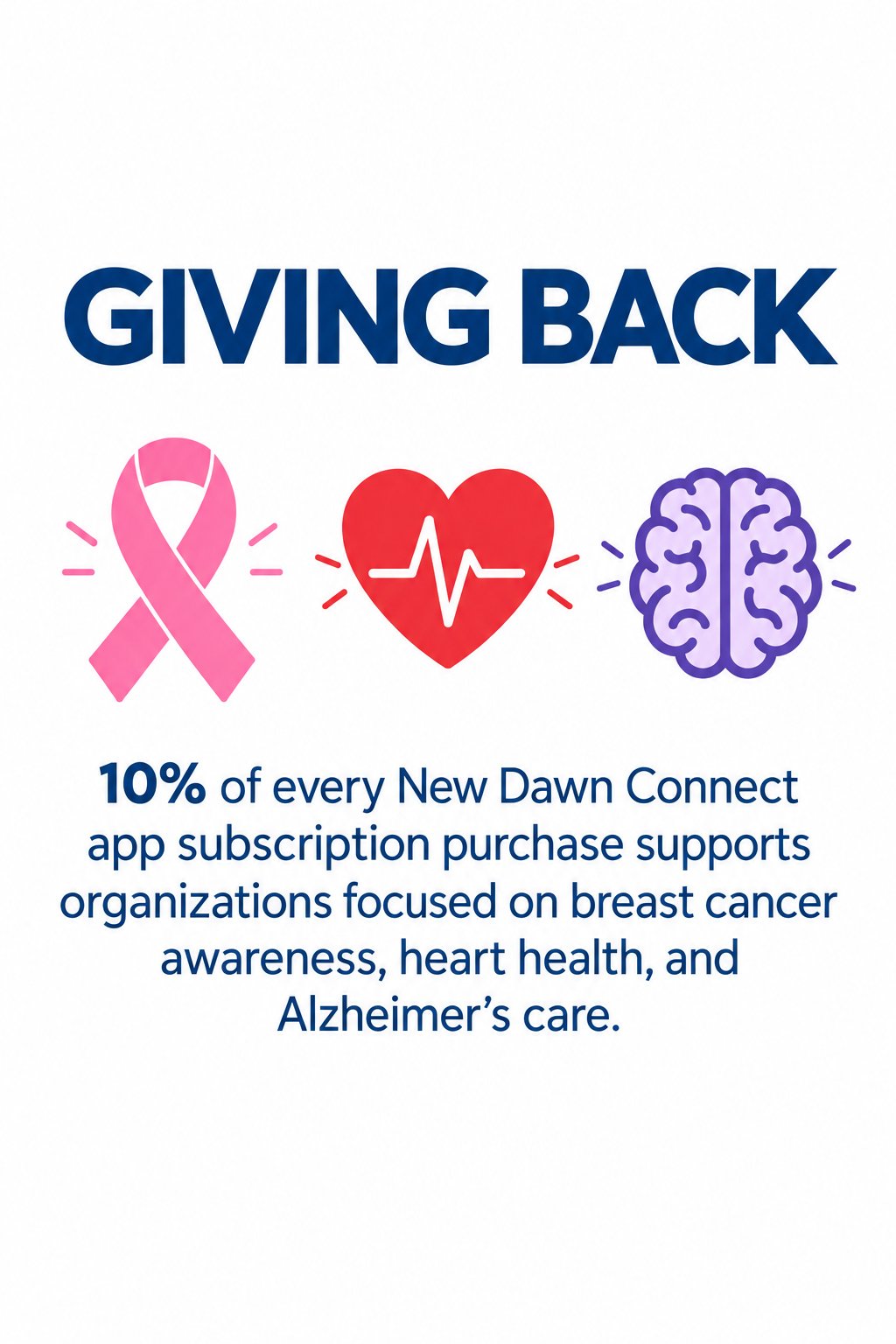
At launch, for every new paid subscription, we plan to contribute a combined total of 10% of the initial purchase, divided among three organizations supporting breast cancer awareness, heart health, and Alzheimer’s care.
The planned contribution is a one-time contribution from the initial paid purchase.
A preview of the simple launch journey: choose a plan online, then follow guided setup in the app.
Watch how getting started will work at launch—from choosing your agency’s plan to your first care update.
Getting started with New Dawn Connect will be simple. Here's a preview of the experience we're preparing for launch.
First, choose the plan that fits your agency on our website. Create your account, review the subscription terms, and confirm your seven-day trial.
Next, look for your welcome email. It will bring your next steps together, with app download links and clear instructions for getting started.
Download New Dawn Connect on your iPhone or Android device. Open the app and sign in with the same account you created on the website.
Your guided setup will begin inside the app. Confirm your agency details, add your first client, and build their care plan. Then invite a caregiver and a family member, and schedule your first visit.
From there, your care circle can follow schedules, share visit updates, and keep conversations together with built-in messaging. Start with one client and help your team get comfortable.
Choose your plan online. We'll guide you through the rest in the app. New Dawn Connect. Coming soon.
Make connected care part of the service families choose your agency for. At launch, your agency will subscribe and invite caregivers and families.
When families compare providers, explain the communication experience you offer alongside personal care.
Offer a place to follow visit status, completed services, caregiver notes, and upcoming appointments. Make everyday communication a tangible part of your service.
Help administrators and caregivers keep assignments, schedules, and conversations organized, with less information scattered across separate exchanges.
Invite family members into the communication loop without asking them to buy another subscription. Your agency provides access as part of its offering.
“Along with personal care, our agency offers a way for your family to follow visit updates, see upcoming appointments, and communicate with the care team.”
Choose the active-client capacity that fits your agency. Administrators coordinate care, caregivers share their work, and families follow the clients they are linked to.
At launch, agency plans will include the core care-communication experience, with family access included.
Start with one client and bring your team and their family into the same care journey.
At launch, select the plan that fits your agency, create your account, review the subscription terms, and confirm your seven-day trial.
Your welcome email will bring together the next steps, app download links, and clear getting-started instructions.
Install New Dawn Connect on your iPhone or Android device. Sign in with the same account you created on the website.
Confirm your agency details, add your first client, and build their care plan. Invite a caregiver and a family member, then schedule your first visit.
Follow shared schedules, review visit updates, and keep conversations together with built-in messaging. Start with one client to help everyone get comfortable.
Set up one client, invite a caregiver and a family member, schedule a visit, and review the completed update together.
Coming soon. The guided setup and welcome-email experience described here are being prepared for launch.
At launch, for every new paid subscription, we plan to contribute a combined total of 10% of the initial purchase, divided among three organizations supporting these causes.
The planned contribution is a one-time contribution from the initial paid purchase.
Have a question about getting your agency started?
New Dawn Connect is coming soon. Get in touch with questions about the app or bringing it to your agency.
Email us about your agency, the planned launch, or getting started.
Opens your email app. Please do not include private client or medical information.
New Dawn Connect LLC · Florida, United States
For privacy questions, use the same email address and see our Privacy Policy.
Need help with an account? Visit Help & Support or review your privacy choices.
Explore the app and the planned getting-started journey.
New Dawn Connect LLC · Florida, United States
Last updated: November 7, 2026.
Your privacy choices: Read our Account Deletion instructions to request removal of your account and associated data.
This policy covers the New Dawn Connect website and the information handled when authorized users access the New Dawn Connect app. The public website currently provides product and support information; it does not create accounts, accept subscription payments, or collect inquiries through a web form. We receive inquiries through our business email service. The sections below explain the data used by the app when those features are used. Features described as planned, including website subscription checkout, are not yet available on this website.
New Dawn Connect LLC operates New Dawn Connect, a service that helps senior care agencies, caregivers, and authorized family members share care plans, schedules, visit updates, and messages. This policy describes information handled through our website and app. Agencies determine which clients and users they add and who may access their records. We process those records to provide the service to the agency and handle account administration and website inquiries for our own business operations.
We use information to create and authenticate accounts, connect authorized users with their agency and clients, display plans and calendars, deliver visit updates and messages, manage subscriptions, respond to inquiries and privacy requests, troubleshoot problems, protect the service from unauthorized access or misuse, and meet applicable legal obligations. We do not need diagnoses, medication instructions, or insurance details to provide the service; please do not include unnecessary sensitive information.
Agency administrators, assigned caregivers, and linked family members receive information according to their roles and relationships. An agency’s decisions about access affect who can see its client records.
Service providers process information needed to operate the service. The app uses Supabase for authentication and database services, and Expo’s notification service with the applicable Apple or Google delivery infrastructure for push notifications. Notification delivery can include a device token, title, body, and related event identifiers. Website hosting and business-email providers also process information needed to operate our website and respond to inquiries.
We require service providers handling information on our behalf to provide the same or equivalent protection described in this policy and to limit their use to authorized services, subject to their independent legal obligations. Information may also be disclosed when legally required, to protect rights or safety, or in connection with a business transfer subject to applicable privacy protections.
Push notifications are optional and can be managed through the app’s notification settings and your device settings. Notification previews may be visible on a locked device. “Add to my phone calendar” opens the device’s calendar interface to save an event you choose; New Dawn Connect does not read your personal calendar. A saved calendar copy is managed by your calendar provider and does not automatically update when a visit changes.
The app stores sign-in session information and notification-token information locally to maintain access and notification delivery. Website and payment services may use cookies or similar technologies for essential functions such as security and session management. You can manage cookies in your browser; blocking essential storage may affect functionality.
Information is needed while providing an agency’s service, resolving support matters, securing accounts, and meeting legal or accounting obligations. Retention depends on the type of information, the agency relationship, outstanding disputes, and applicable requirements. We retain information only for as long as needed for these purposes. When information is no longer needed, we delete or de-identify it, subject to legal retention requirements. Backup copies are removed through the applicable backup lifecycle and remain subject to access restrictions while retained.
Account deletion and deletion of agency-held care records are separate matters. Some agency records may need to remain for legitimate recordkeeping or legal obligations even after a user’s login account is removed. We limit retained information to the applicable purpose and access restrictions. Uninstalling the app does not delete server-held records.
You may ask about access to, correction of, or deletion of your information, or withdrawal of consent where processing relies on consent. Applicable rights depend on your location and the information involved. We may need to verify your identity and authority before acting. For agency-controlled care records, we may coordinate with or direct your request to the agency.
Email info@newdawnconnect.com for privacy questions, data requests, or account deletion requests. Include only the information needed to identify your account and request; do not send passwords or payment-card details. We may need to verify your identity and authority before acting.
The app uses authenticated accounts and role-based database controls. No service can guarantee absolute security. Protect your credentials and use device-lock settings. Information may be processed in the United States and other locations where our service providers operate. Where required, we use appropriate safeguards for cross-border transfers.
The service is intended for agencies and authorized adult users, not for children under 18. If you believe a child has supplied information without appropriate authorization, contact us. The service is not an emergency system or a clinical medical record. This policy does not represent a HIPAA certification or a substitute for any agency-specific agreements required for handling protected information.
We will update this policy when our practices change and identify the effective date of the published version. Material changes may require additional notice or consent. For questions, contact New Dawn Connect LLC, Florida, United States, through the info@newdawnconnect.com.
New Dawn Connect · New Dawn Connect LLC
You can request deletion of your New Dawn Connect account and associated personal data by email. You do not need to reinstall the app or sign in on this website.
This button opens your email app. If it does not open, email info@newdawnconnect.com with the subject New Dawn Connect account deletion request. Nothing is sent until you send the email.
Do not include your password, payment-card details, identity documents, or private client or medical information in the initial email. If you cannot access your account email, explain that so we can discuss another verification method.
We review the request and verify your identity and authority before taking action. For an agency workspace, we also confirm the scope and authority to act on records involving other users. Sending an email does not immediately delete an account. We will explain any additional steps and confirm the outcome by email.
When a verified account-deletion request is completed, the login account and personal information associated with that account are deleted or de-identified, except for information that must be retained for a legitimate purpose.
Agency-controlled care records, shared communications, and records involving other people may require coordination with the agency. Billing, fraud-prevention, security, dispute, or legally required records may also need to be retained. Retention depends on the record and applicable obligation; we will explain any applicable exceptions and retention period when handling your request. Backup copies are removed according to the applicable backup lifecycle and are restricted while retained.
Deleting the app from your phone does not delete server-held information. An individual account request does not automatically erase an entire agency workspace or other people’s accounts.
Account deletion and cancellation of a paid subscription are separate requests. If your agency has a subscription, tell us whether you also want to cancel it. Removing the app or sending a deletion request should not be treated as confirmation that billing has stopped.
For more information, read our Privacy Policy or visit Help & Support.
Questions about New Dawn Connect, your account, or the planned launch? Contact our team.
Email info@newdawnconnect.com. Include your agency name, account email, device type, and a brief description of the issue. Do not send passwords, payment-card details, or private client or medical information.
New Dawn Connect is preparing for launch. Website signup, subscriptions, and public app downloads are not yet available. Watch the planned setup journey on How It Works.
To request account and associated data deletion, follow the steps on our Account Deletion page. For other privacy questions, email us and review our Privacy Policy.
For questions about a client’s care or scheduled visits, contact the care agency directly. New Dawn Connect is not an emergency service. For an emergency, contact your local emergency services.
New Dawn Connect LLC · Florida, United States
New Dawn Connect · New Dawn Connect LLC
You can request deletion of your New Dawn Connect account and associated personal data by email. You do not need to reinstall the app or sign in on this website.
This button opens your email app. If it does not open, email info@newdawnconnect.com with the subject New Dawn Connect account deletion request. Nothing is sent until you send the email.
Do not include your password, payment-card details, identity documents, or private client or medical information in the initial email. If you cannot access your account email, explain that so we can discuss another verification method.
We review the request and verify your identity and authority before taking action. For an agency workspace, we also confirm the scope and authority to act on records involving other users. Sending an email does not immediately delete an account. We will explain any additional steps and confirm the outcome by email.
When a verified account-deletion request is completed, the login account and personal information associated with that account are deleted or de-identified, except for information that must be retained for a legitimate purpose.
Agency-controlled care records, shared communications, and records involving other people may require coordination with the agency. Billing, fraud-prevention, security, dispute, or legally required records may also need to be retained. Retention depends on the record and applicable obligation; we will explain any applicable exceptions and retention period when handling your request. Backup copies are removed according to the applicable backup lifecycle and are restricted while retained.
Deleting the app from your phone does not delete server-held information. An individual account request does not automatically erase an entire agency workspace or other people’s accounts.
Account deletion and cancellation of a paid subscription are separate requests. If your agency has a subscription, tell us whether you also want to cancel it. Removing the app or sending a deletion request should not be treated as confirmation that billing has stopped.
For more information, read our Privacy Policy or visit Help & Support.